nimbi
A downloadable app for Windows and macOS
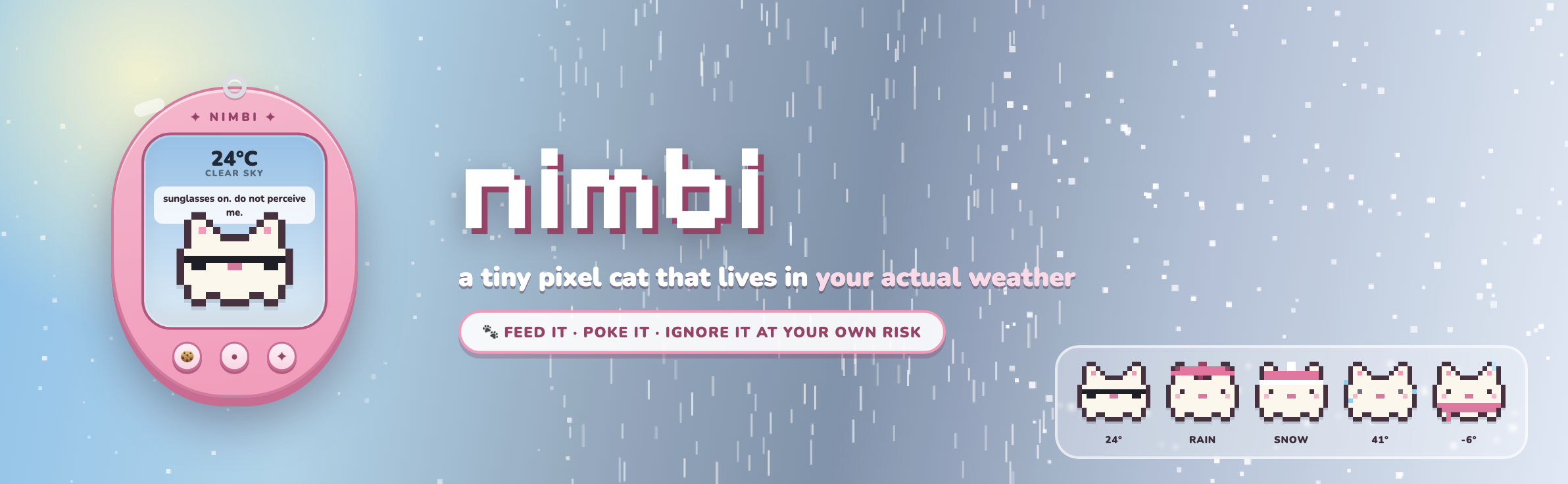
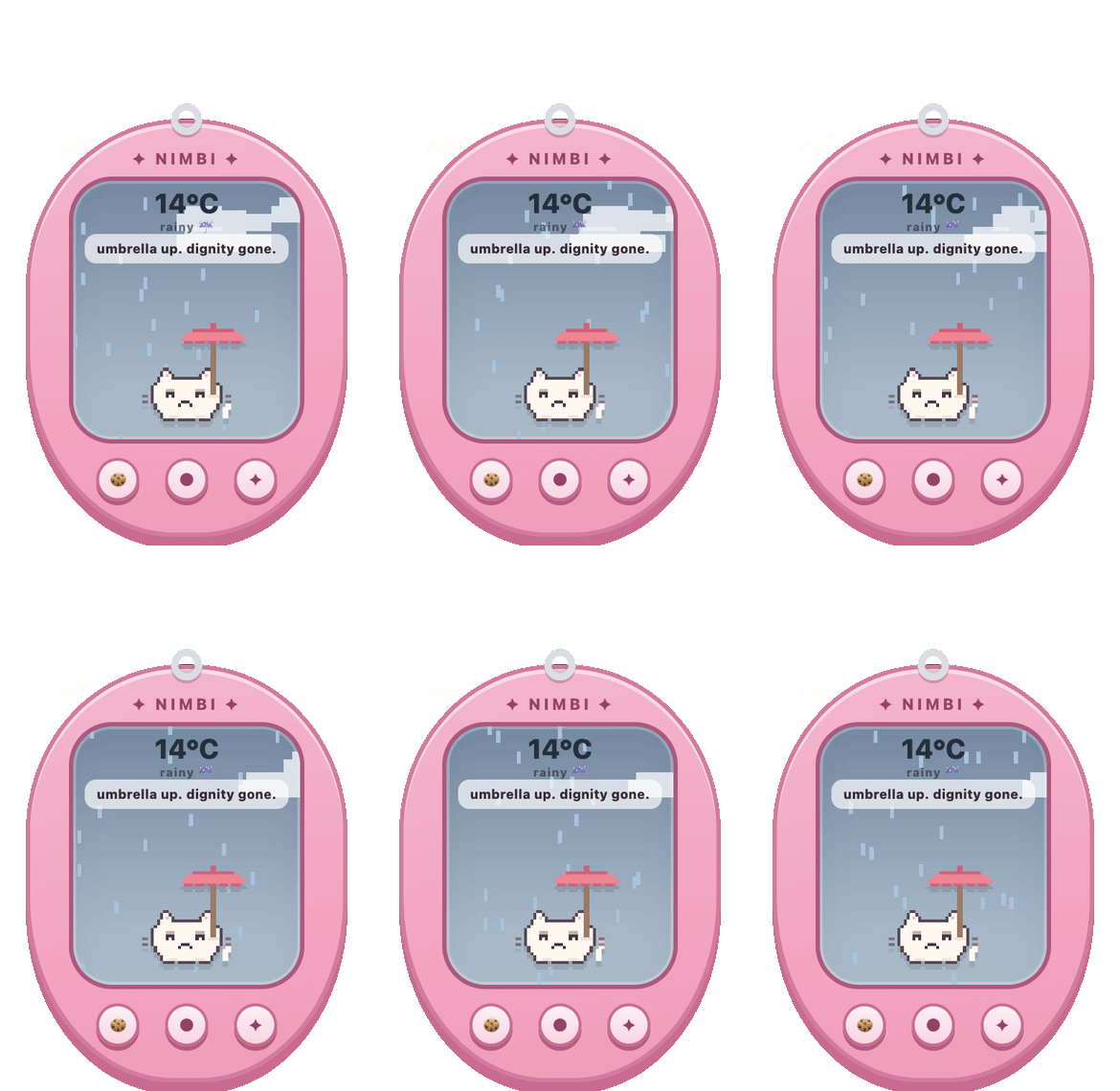
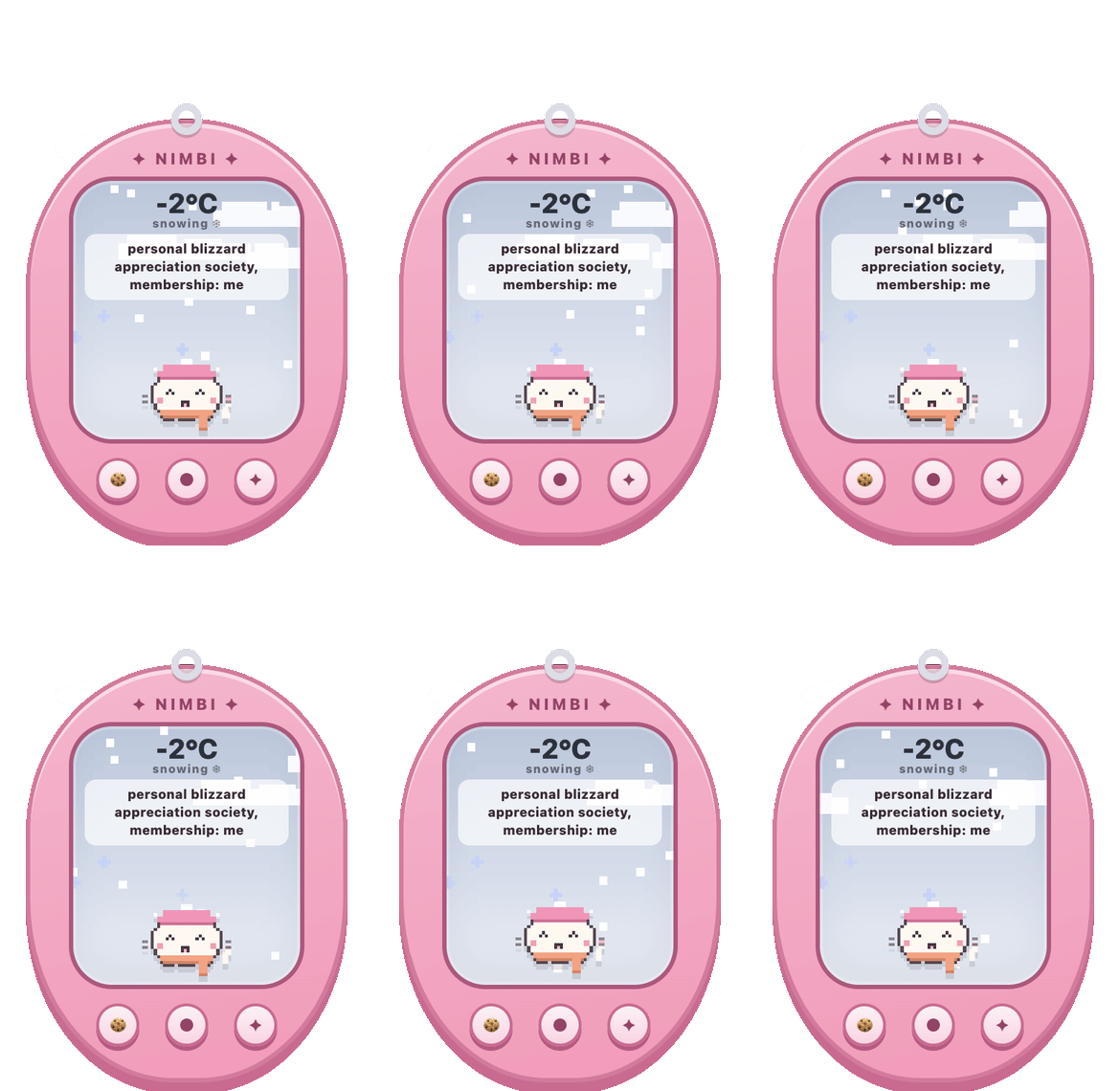
Nimbi is a tamagotchi, but instead of a fake made-up world, it reacts to the real weather outside your window. A tiny pixel cat that lives on your desktop, floats above your windows, and dresses for the actual forecast: umbrella in the rain 🌧️, beanie and scarf in the snow ❄️, sunglasses on a warm day 🕶️, full meltdown above 40°C 🥵, shivering icicles below 0°C 🥶.
Feed it, play with it, poke it and ignore it at your own risk. Just like the tamagotchis you grew up with, except the weather is real and it never needs batteries. (ฅ^•ﻌ•^ฅ)
✨ what it does
- 🌤️ Checks your actual local forecast and dresses accordingly, every single day
- 🍪 Feed it cookies (or a cocktail, we don't judge) and it keeps score of how well you're taking care of it
- 💬 Click it for a fresh sarcastic one-liner reacting to whatever's happening outside
- 🔔 Ignore it for 10+ minutes and it will let you know. Caption, icon change, and a little chirp (`・ω・´)
- 🌡️ Click the temperature to switch between °C and °F
- 🖱️ Floats above all your windows and is draggable anywhere on screen
- 📍 Auto-detects your city or type any city on Earth
- 🔄 Weather refreshes every 30 minutes on its own, no babysitting required
- 🗂️ Lives quietly in your tray where you can toggle always-on-top, launch at login, or change city as you please
It's tiny. It's dramatic. And it has very opinionated views about the weather. (◕‿◕✿)
🌦️ five skies, five moods
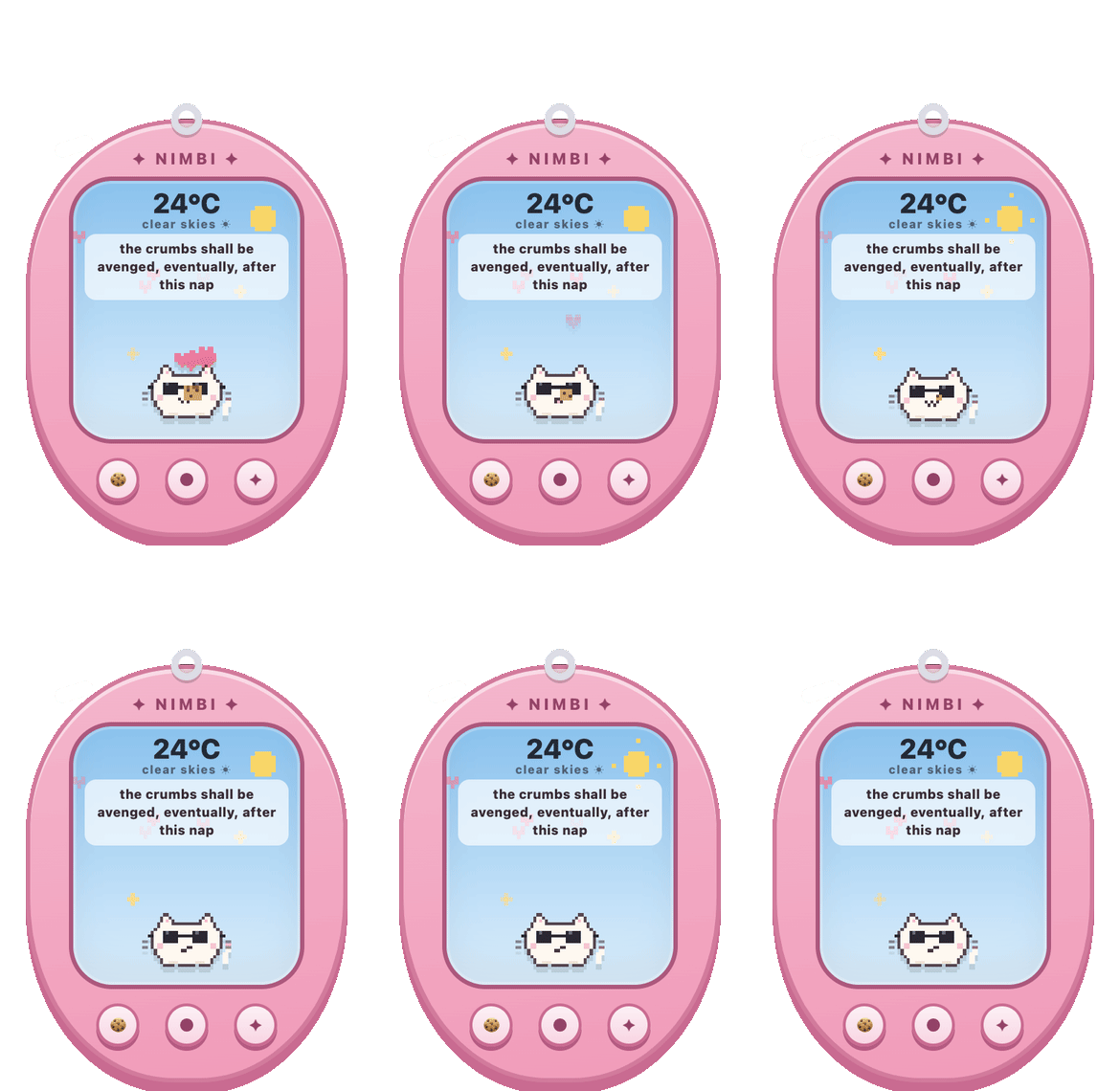
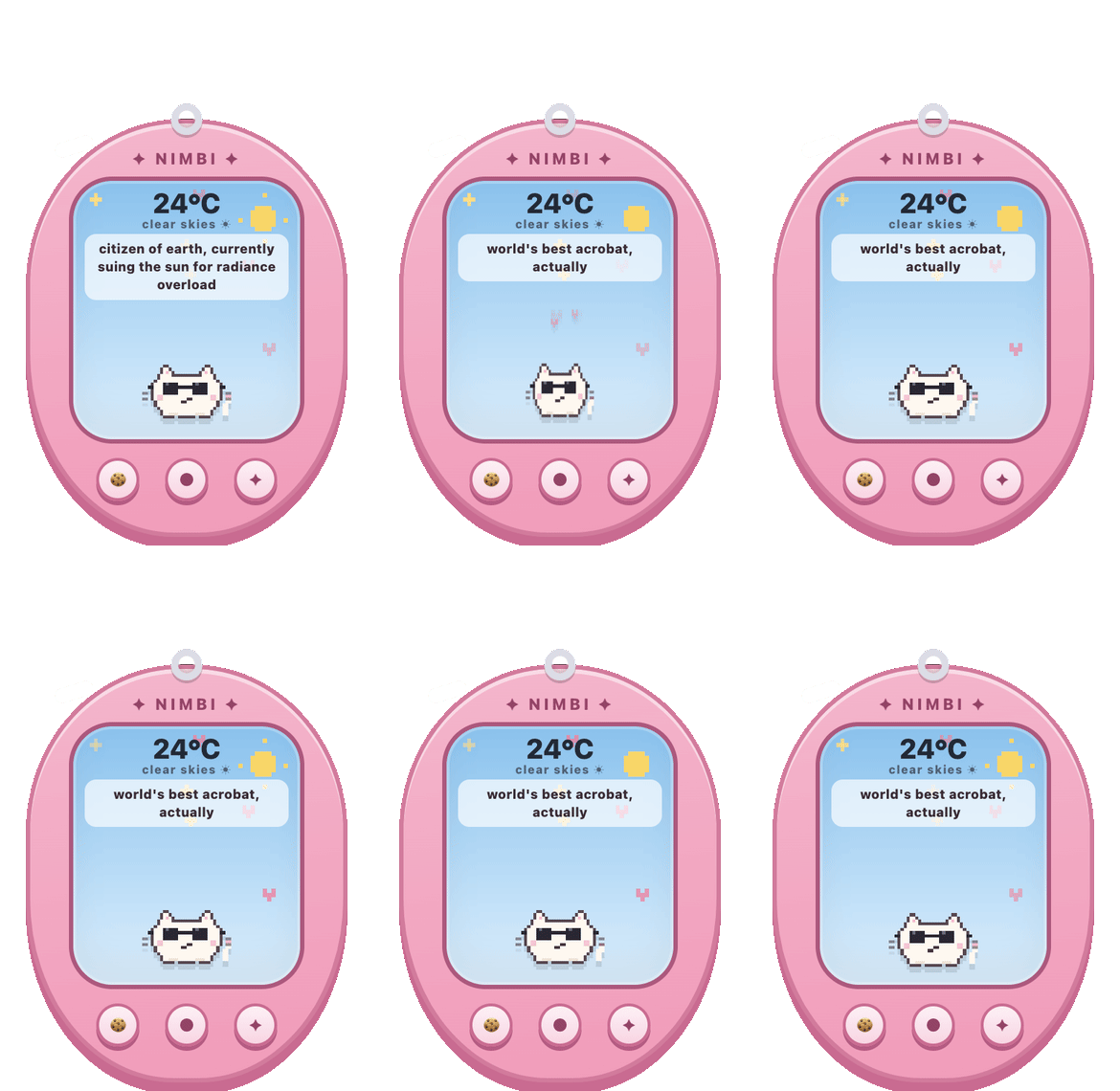
😎 warm & clear — sunglasses on. do not perceive it.
☔️ rain — umbrella deployed. the sky is being dramatic again.
🧣 snow — beanie weather. it is but a small warm bean.
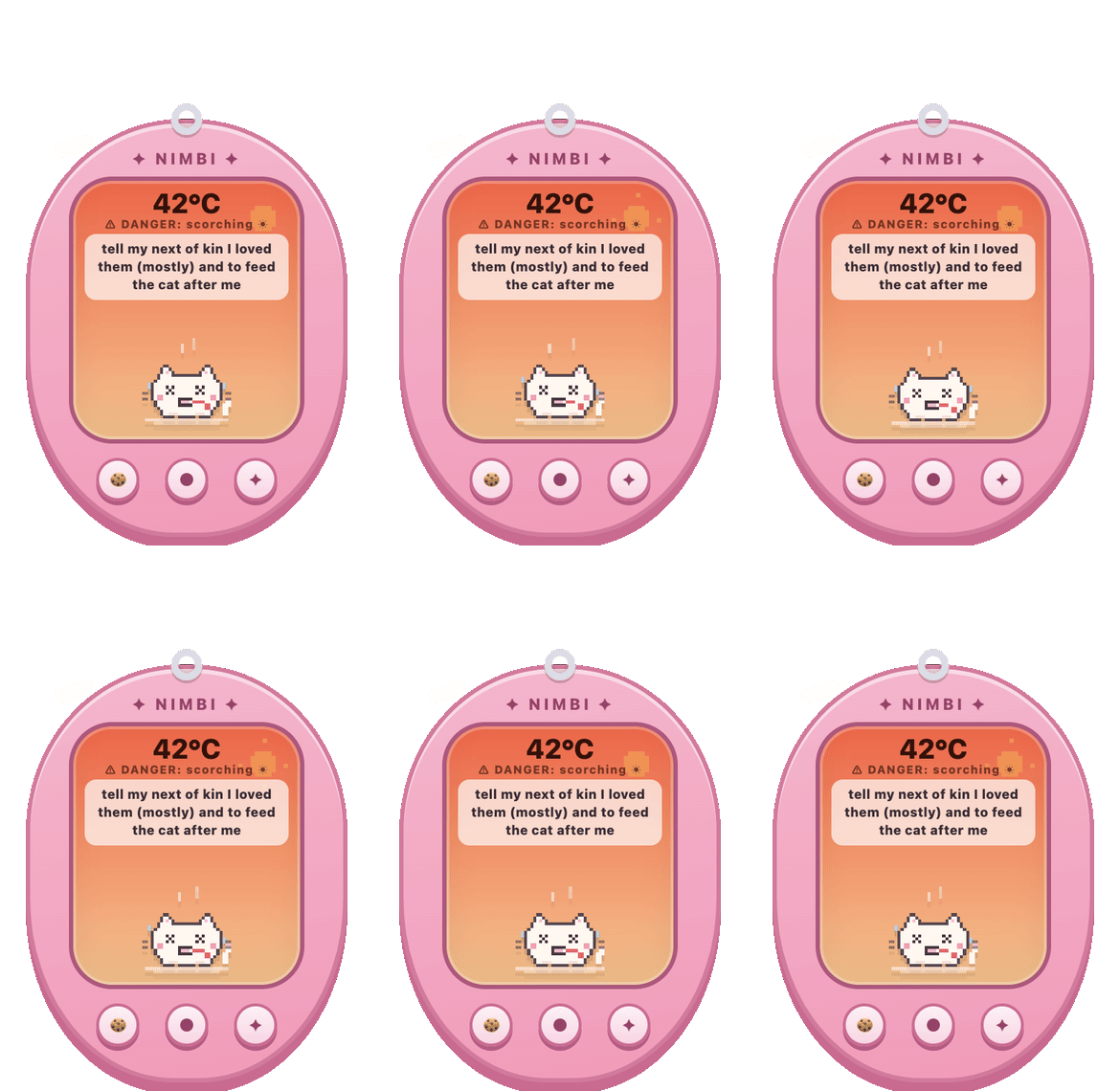
🫠 above 40°C — actively melting. tell its story.
🥶 below 0°C — shivering with intent. icicles included.
🔒 privacy
No backend, no account, no analytics, no API keys, nothing to sign up for.
Exactly two things ever touch the network, both free public APIs. Location: on first run, and only if you ask it to auto-detect, your IP is used to guess your city. You can skip this entirely and just type a city instead. Weather: your city's coordinates go to open-meteo.com for current conditions.
That's it. City, stats and sound preference are stored only on your own machine.
🍎 a note for mac friends
The first time you open Nimbi, macOS will say it "could not verify" the app. The fix takes 20 seconds and you only ever do it once: open Nimbi, dismiss the warning, go to System Settings → Privacy & Security, scroll to the bottom, click Open Anyway.
🐾 made with rain, snow and pixels · weather by open-meteo · no clouds were harmed (i promise)
Purchase
In order to download this app you must purchase it at or above the minimum price of $5 USD. You will get access to the following files:
Leave a comment
Log in with itch.io to leave a comment.